This page contains the following information:
|
–Geoff-Hart.com: Editing, Writing, and Translation —Home —Services —Books —Articles —Resources —Fiction —Contact me —Français |
You are here: Books --> Effective onscreen editing
Vous êtes ici : Livres --> Effective onscreen editing
The 4th edition is now available! If you're still using a version of Microsoft Word older than the 2016 version, older versions of the book are still available. Please contact me to learn how to obtain a copy.
If you purchased the eBook version of the 3rd edition in September 2018 or later: Please contact me directly (with the date of purchase) and I'll send you a copy of the 4th edition. If you purchased the printed version, I can't offer a free upgrade, but I can send you a copy of the eBook of the 4th edition at no cost or offer a large discount on the new printed edition. Contact me (include your receipt) to request details.
|
This page contains the following information: |
Bibliographic information: Hart, G. 2019. Effective onscreen editing: new tools for an old profession. 4th ed. Diaskeuasis Publishing, Pointe-Claire, Quebec.
The main difference from the 3rd edition is that the book now covers Word 2016 for both the Mac and Windows. In addition to a thorough review of the text, the 4th edition includes the following updates and improvements:
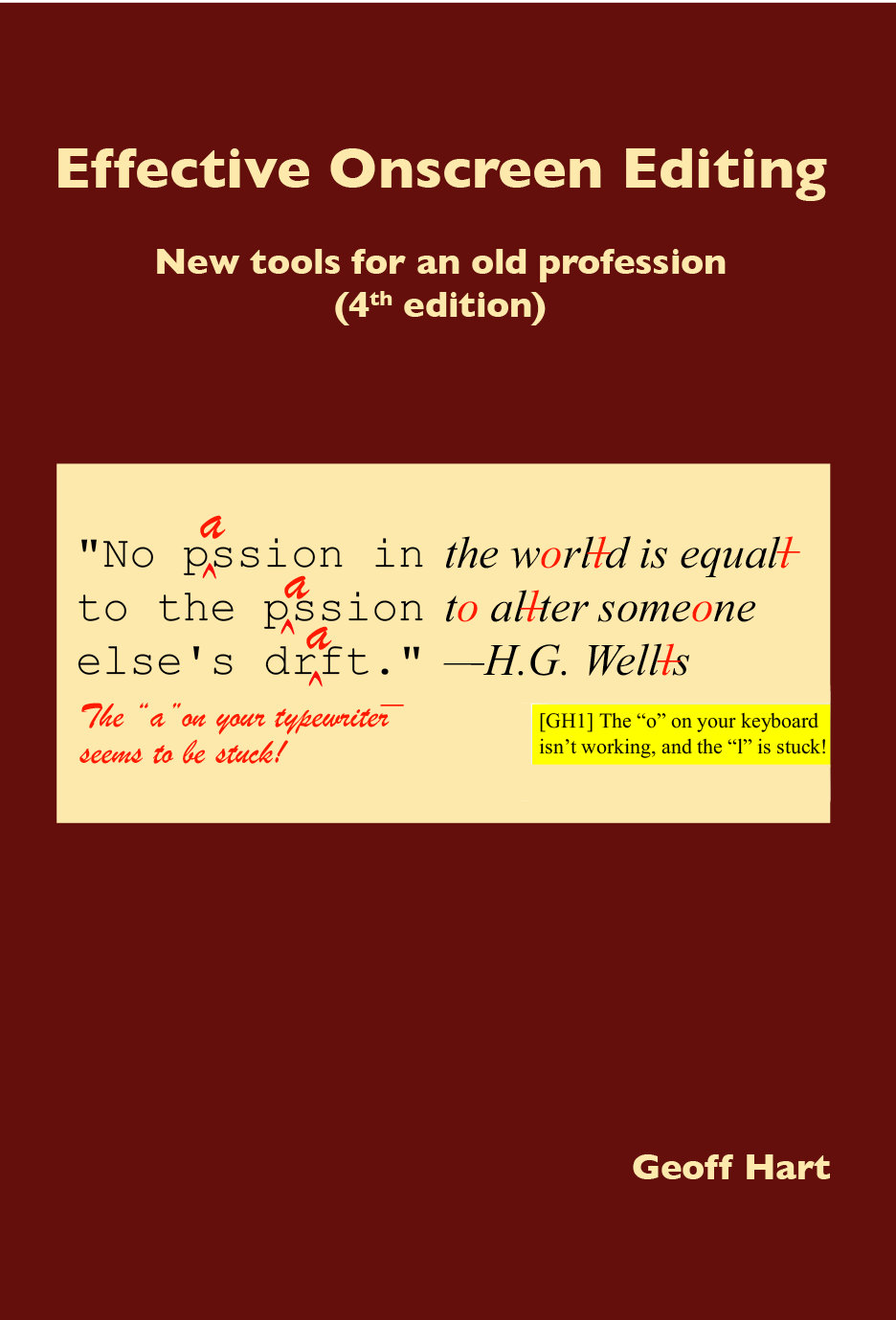
Most editors must now edit manuscripts on the screen ("onscreen editing") using a word processor. Though the editing skills remain the same, transferring them into a word processor can be challenging. Effective Onscreen Editing eases the transition from on-paper editing by teaching how to apply general editing strategies suitable for all word processors, supplemented by proven tips and tricks that will maximize your productivity and effectiveness. For editors who are already editing on the screen, the book will teach you the skills you need to greatly increase your editing speed and accuarcy based on my more than 30 years of experience as an editor and as a mentor for other editors, improved by incorporating feedback from students who have taken my courses on onscreen editing.
To make the editing strategies concrete, I use Microsoft Word 2016 for both Windows and the Macintosh to show how to implement these principles in the real world. (Because these examples illustrate the principles, you'll benefit from the book even if you don't use Word. However, you'll have to learn how your word processor implements the techniques.) The information is provided in small chunks, designed for easy reading and browsing. You can dip into the book to solve a specific problem, or read it a chapter at a time to increase your mastery of the art of onscreen editing.
Given the book’s length, you won’t want to read it cover to cover unless you have a serious insomnia problem. The most practical (and least intimidating) option is to use the book as a problem-solving resource. First, identify a specific onscreen editing task that is slowing you down or causing you trouble. Next, dip into the book and learn how to solve that problem.
As you solve each new problem, you’ll find that it frees up time you can use to learn more efficient ways to perform other editorial tasks. Use the time you save to solve another problem. Over time, you’ll be amazed at how much time you’re saving. Use that time to increase your effective hourly rate if you charge a fixed price per page, or to give yourself more time to work on difficult edits under tight deadlines.
Here's what readers have been saying about the 3rd edition of Effective Onscreen Editing:
Here's what readers said about the 2nd edition of Effective Onscreen Editing:
Here's what readers said about the 1st edition of Effective Onscreen Editing:
If you're using Word 2013 or earlier, the 3rd edition of the book is still available; contact me for details.
To purchase the 4th (2019) edition:
Teachers Want to add the book to your course reading list? Please contact me to obtain a free evaluation copy of the eBook, or a reduced price on the printed edition. Students and members of professional societies I offer discounts of US$7 for both versions (25% for the eBook, 21% for the print version) to students and members of professional societies.
Students should contact me from their .edu e-mail address to obtain a link to the reduced price. (If you don't have a university e-mail address, please ask your teacher to contact me on your behalf.) If you're a member of a professional society, please ask your membership coordinator to contact me for details.
Everyone else: PDF version (eBook)
Purchase and download a copy using your PayPal account or most major credit cards.
Although you can print the PDF file, it's not optimized for printing.
Printed version
- If you purchased the PDF version before the printed version was available, please contact me; I can offer a $5 discount off the cover price.
- Visit Lulu.com to purchase the printed version. Shipping is pricey, so consider placing a group order with friends or colleagues to reduce the per-book cost.
Buy in bulk Interested in buying many copies for your group or your professional association? Please contact me so we can negotiate a bulk discount.
To avoid cluttering this page, I've provided a link to a detailed version of the book's table of contents. Here, you can also download a free copy of Chapter 2 to confirm whether you like the style and content. I've provided a PDF file containing tips on how to use this eBook to help you get the most out of using this book. The tips will also work for many other eBooks and PDF files.
©2004–2026 Geoffrey Hart. All rights reserved.